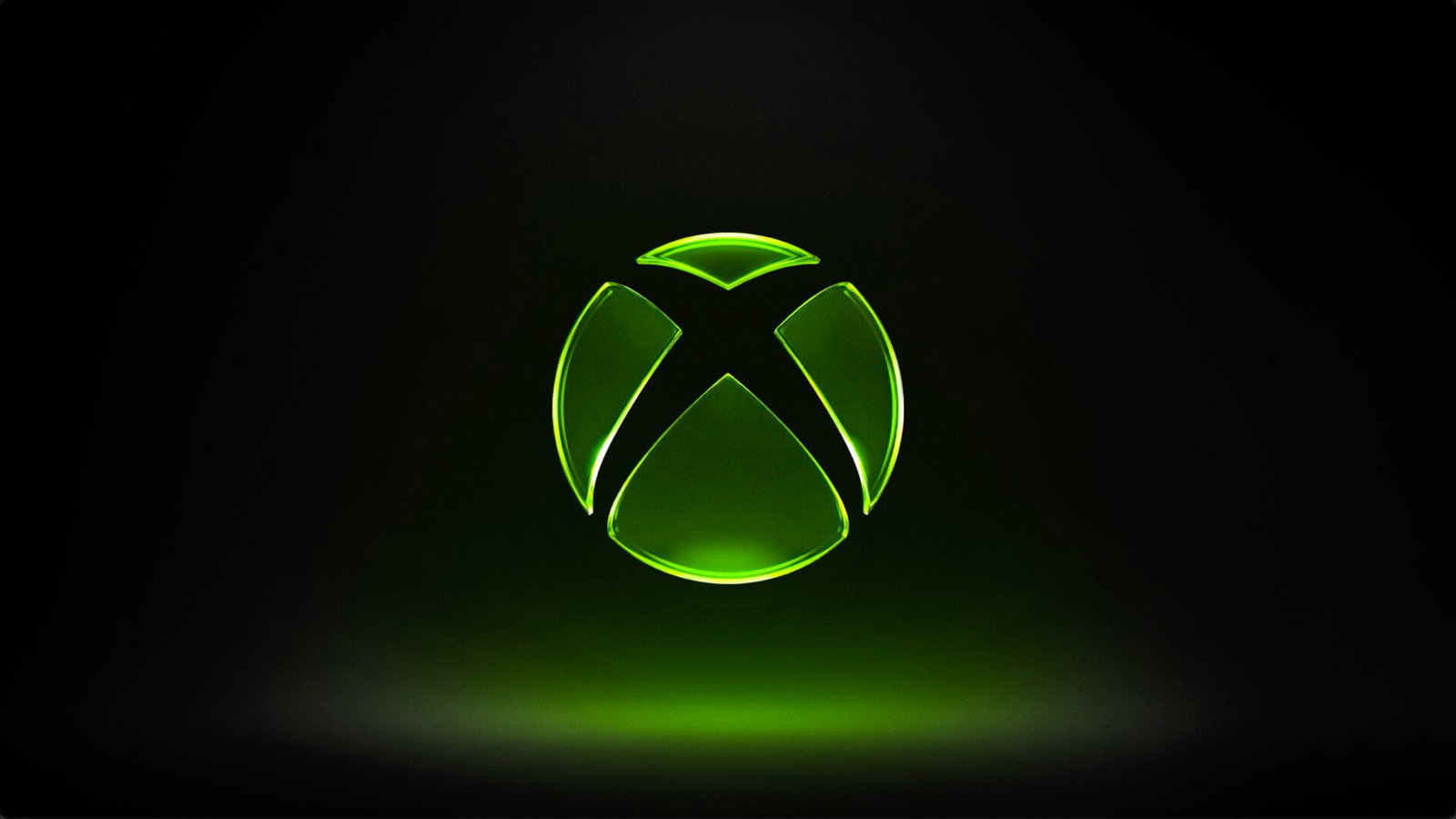
Xbox Logo - Image Credits: Xbox/Microsoft
Xbox Logo - Image Credits: Xbox/Microsoft
Xbox has announced a new update for the console that will be available for Xbox Insiders to test for now. The update consists of a new boot-up animation, tiered Gamerscore badges, and expanded game library filters, as CEO Asha Sharma teased in an X post last week.
The announcement of the update was made via an Xbox Wire blog post by Senior Product Manager Alex Charters. The features include a revamped boot-up animation. Xbox states, "We’ve updated the console boot up experience with a new animation and sound, featuring the new Xbox logo with the signature green players know so well."
Xbox says that the new animation will bring a "refreshed look and feel from the moment" players jump in. Also coming are the new tiered badges that reflect a player's lifetime Gamerscore, giving them a fresh way to showcase their Xbox journey.
The blog post further states, "These badges appear on your profile and in the Guide, making it easy to see your achievement history at a glance. As your total Gamerscore grows, your badge evolves with you, reflecting every milestone along the way."
The 1K badge has a simple design with a "G" inside a circle, and for each new milestone, the design levels up its creative game.
The game library has also received an update, with Insiders getting new filters. This will easily help them differentiate between the games they own, the games shared by others, and the installed games that they don't have access to.
The blog assures that these features will roll out to more Insiders and become available to all players soon. The same will go for rolling out more fan-requested features throughout the year.
Do you want to join the Xbox Insider community as well to try out these features early yourself? Read below to know how to get on the bus.
Being an Xbox Insider
If you want to join the Xbox Insider community and test out the features, you just need to join the program by downloading the Xbox Insider Hub app on your Xbox console or your Windows PC.
For console users, they can go to "Store", search "Insider," and select the "Xbox Insider Bundle" and install it to get started. For PC users, you can go to "Microsoft Store" and search for "Xbox Insider Hub" to install it.
Once you've accepted the Xbox Insider Program Terms and Conditions, you're good to go. Furthermore, you can also join the Xbox Insider subreddit community to give feedback and receive support from official Xbox staff, moderators, and fellow Xbox Insiders.
The latest Xbox update is the first of many that Asha Sharma and her team plan to bring to strengthen the brand's identity.
Read more at Gaming Community by Max Level!
Written by

Dhruv Singh
Edited by

Yask Kotak