
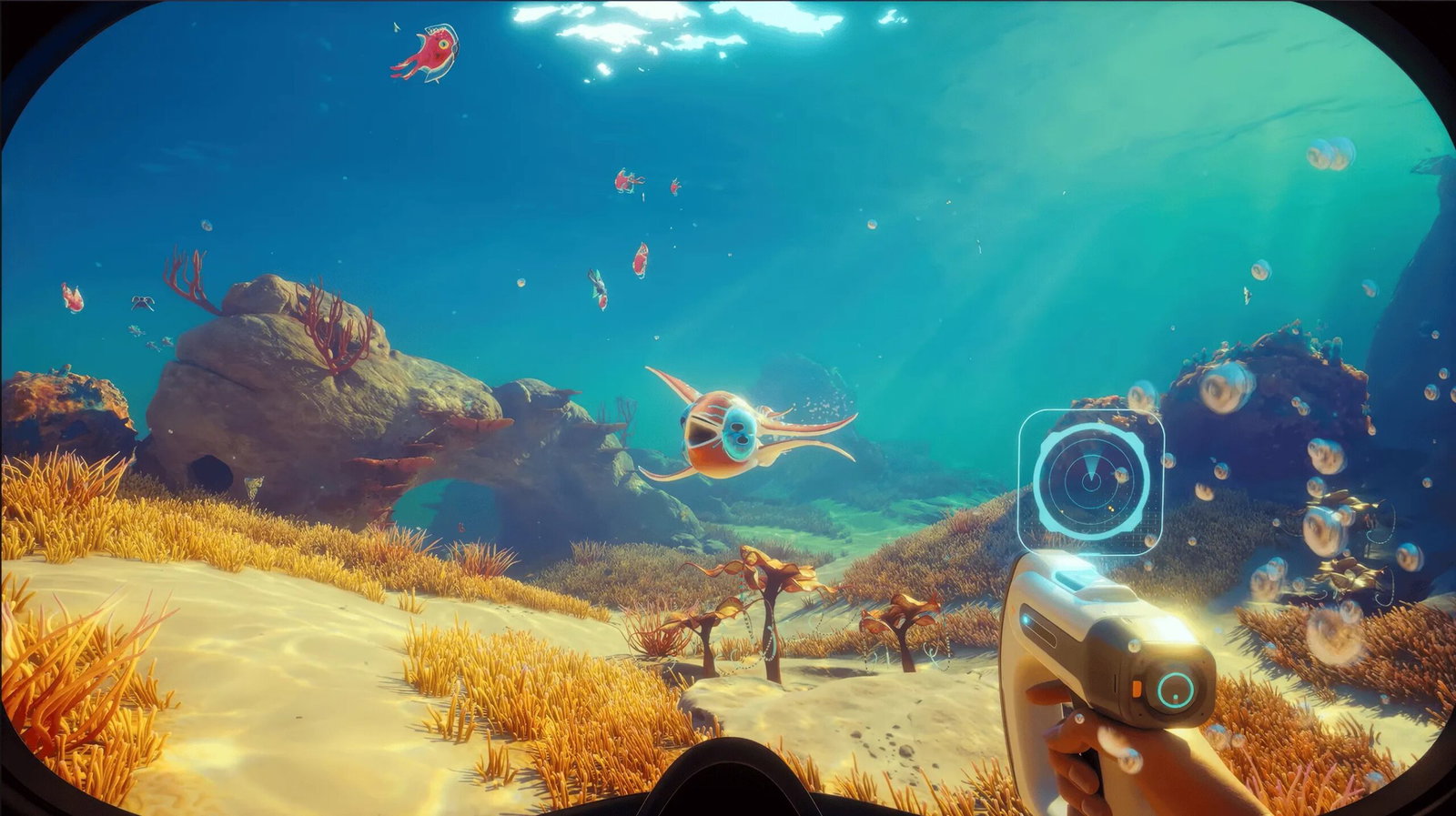
Image Credits: Unknown Worlds Entertainment
Image Credits: Unknown Worlds Entertainment
Explorers in Subnautica 2 have discovered one of the game’s biggest mysteries inside the Karakorum region: the Axum Door. The catch is that it is locked and requires players to complete several steps before it can finally be opened.
Subnautica 2 players must navigate the dangerous Karakorum region to unlock the mysterious Axum Door. This Early Access mission requires specific crafting materials and the activation of ancient power plants.
1. Making The Feedback Resonator
First, you need to unlock the Feedback Resonator to defeat the Karakorum Bloom Cankers. To unlock the tool, you will need to scan two fragments.
The first fragment can be found inside the Cicada Wreck, which is in the east-southeast direction from the Research Outpost, 200 meters deep.
The other fragment is located 900 meters east of the Research Outpost, near the Metal Farms cliff wall, tucked in at around 420 meters depth.
Once found, you can craft the Feedback Resonator upgrade at your Modification Station, with materials including one Sonic Resonator, two Enameled Glass, two Conduit Crystal, and two Strontium.
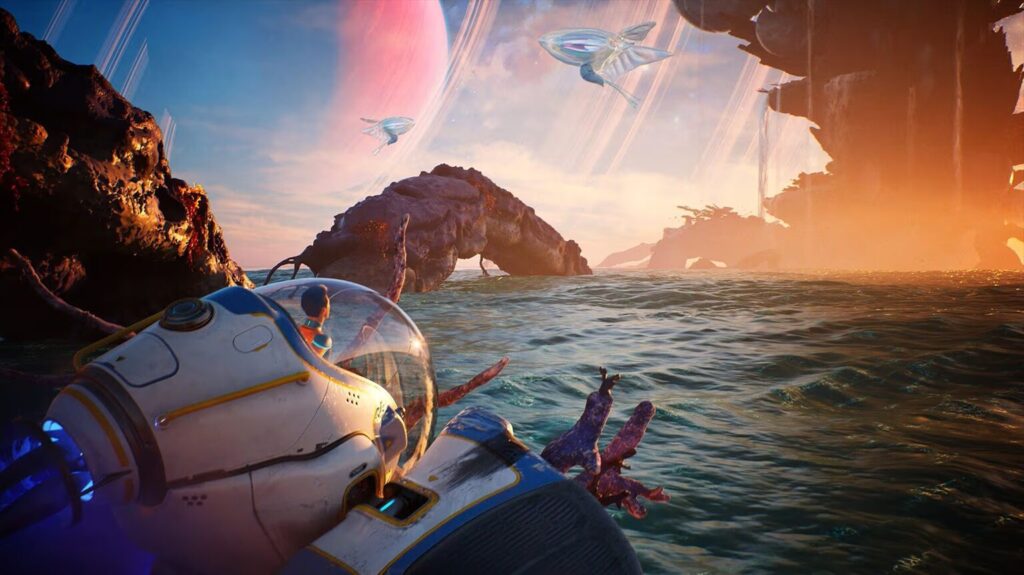
Via Unknown Worlds
Via Unknown Worlds
2. Destroying The Three Bloom Sites
You then need to destroy all of the Bloom Sites, with the first one being to the east of the Observatory. The second Bloom Site is 1500 meters from the Lifepod.
The third Bloom Site is a little difficult to find. You need to go to the Cicada Wreck, which is 600 meters from the Research Outpost at 90 meters depth, and go through the wreckage into a hidden cave on the underside to find the last of the Bloom Cankers and the Juvenile Angel Comb.
3. Gaining Access To Axum Vision Adaptation
Once you destroy the Bloom Sites, you can then cleanse the Bloom Core and interact with the Angel Comb to obtain Axum Vision Adaptation, which helps you understand the Axum language.
4. Activating The Lower and Upper Control Room
To activate the Lower Control Room, you just need to enter it, turn on the terminal, and click on the red light to activate it.
After this, swim upwards to the Upper Control Room. Once there, you'll find not one, but three terminals this time. Turn them all on, and fiddle with the left terminal's dials and knobs until they all light up green.
5. The Power Plant Turbine Saga Begins: Scanning And Materials
Next, you must activate the Power Plant Turbine, which may remind veteran players of the first game, where they had to gather large amounts of rare materials before progressing further into the story.
Here, players need to exit the Upper Control Room and head straight toward the Power Plant Turbine part and scan it.
A new Databank entry will provide you with information on how to repair the Power Plant Turbine.
The materials needed for the Power Plant build include 10 Titanium Ingots, for which you need 30 Titanium; 10 Mangalloy Ingots, for which you need 10 Titanium Ingots, 10 Atacamite, and 10 Troilite. You also need 10 Strontium.
6. Activating The Power Plant
Once the materials are gathered, go back to the Power Plant Turbine you scanned and, using your Habitat Builder, repair it.
Now return to the Upper Control Room and, this time, fiddle with the right terminal's dials and knobs, then click the red light on the central terminal. The Karakorum Power Plant will then be functional.
7. The Axum Door Opens At Last! Scanning Orrery
Due to the Power Plant now working, the Axum Door will open for you to finally explore it. You will first be introduced to the Orrery, a mechanical model of the star system. Scan it to find out which star system you are in once you get back home.
8. Interact with NoA To Know More
With the information that you have gathered by scanning the Orrery, go back to the Lifepod and interact with the NoA Terminal to check out the new Databank entries and gain more information about the adventure you just experienced!
This guide covers the primary steps for this Early Access mission. It also means the game is still in development, with much more content expected before the full release.
Read more at Gaming Community by Max Level!
Written by

Dhruv Singh
Edited by

Pulkit Prabhav