
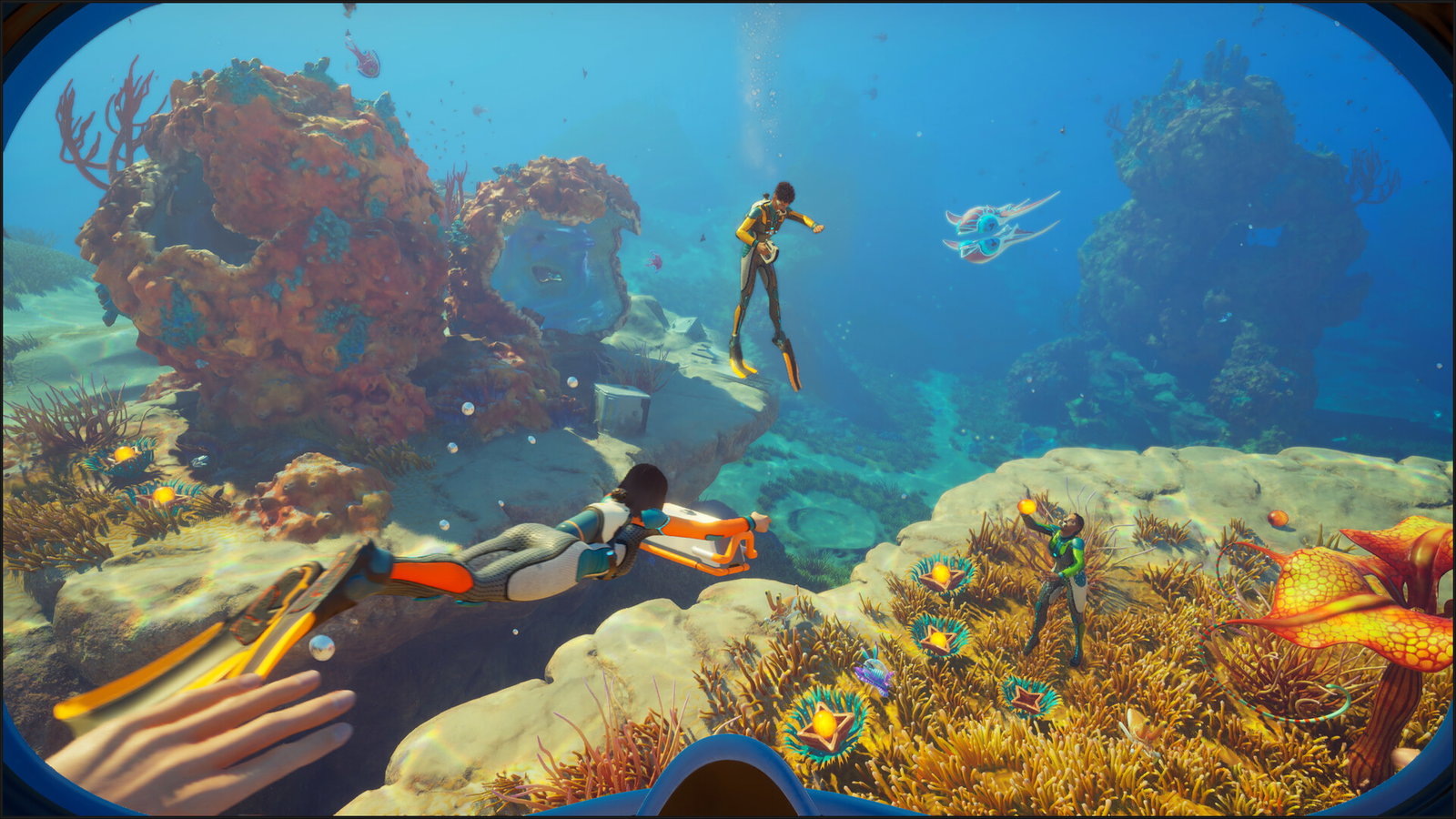
Picture Courtesy - Steam
Picture Courtesy - Steam
While Subnautica 2 may still be in Early Access, that hasn't deterred the modding community from locating the debugging console within the game through the help of mods.
Native console support was a staple of previous Subnautica entries. But since it's Early Access, certain things are yet to arrive in the game. However, modders have found a way to enable the debugging console in-game.
Unlocking the Debugging Console
Players need to install a few mods to gain access to the debug console in Subnautica 2. The first step is to download the Unreal Engine 4/5 Scripting System (UE4SS) for Subnautica 2.
Proceed to find the installation directory and extract all the files to the path '\Subnautica2\Subnautica2\Binaries\Win64'. Next, download the console commands Mod and extract all the files in the directory '\Subnautica2\Subnautica2\Binaries\Win64\ue4ss\Mods'.
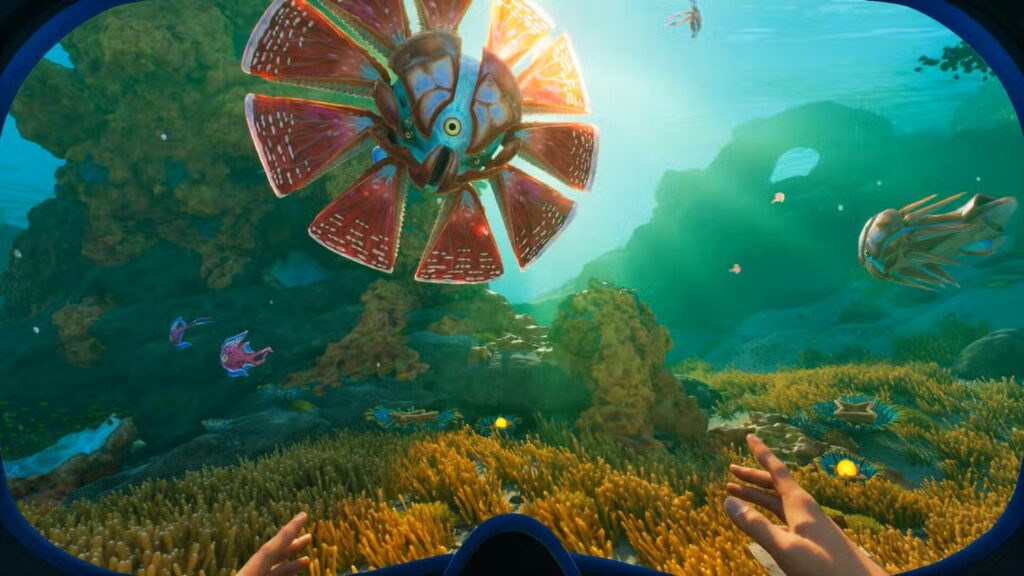
Via: Unknown Worlds Entertainment/Krafton
Via: Unknown Worlds Entertainment/Krafton
Launch Subnautica 2 and press F2 once the game loads. It will show a screen with commands you can click to automatically generate items directly. However, there are certain manual commands you can use to enjoy the Subnautica 2 Early Access.
Commands
god
No longer take damage or need food, water, or oxygeninvisible
Hostile lifeforms cannot see younocost
Craft and process items without using resourcesunlockall
Gain all recipes, blueprints, and journal entriesk***
Eliminates your character and respawns you immediatelynight
Set the time to nighttimeday
Set the time to daytimedaynight #
Set a specific time of dayFOV #
Change the FOV to the desired numberitem (name) (amount)
Add a specific amount of an item to your inventory immediatelyoxygen
Restore your oxygen leveltogglehud
Hide the HUD (cannot be restored using the same command)
Note: The k*** command needs to be written without the asterisks, as it has been partially censored for audience safety.
Apart from these, there are commands, such as Goto, Fastswim, Noclip, Fly, and Warp, that are present in the game but not accessible even with the mods.
Each item has an item code, which can be used in the item command above to generate and add that item to your inventory. The list of item codes is here.
Item Codes
- Advanced Battery — advancedbattery
- Advanced Wiring Kit — advancedwiringkit
- Aeroshell Sponge — sponge
- Air Bladder — airbladder
- Airag — airag
- Alcohol — alcohol
- Algae Block — algae
- Atacamite — atacamite
- Bluemoon — bluemoon
- Celestine — celestine
- Cooked Bluemoon — cookedbluemoon
- Copper — copper
- Coral Mash — coralcookie
- Coral Shavings — platecoral
- Crab Feces — crabfeces
- Dedicated Core — computerchipmk2
- Deepwing Egg Clump — deepwingbrooderegg
- Diamond — diamond
- Disperser — disperser
- Distraction Flare — flare
- Electric Geordie — electricgeordie
- Enameled Glass — enameledglass
- Fiber — fiber
- Fiber Mesh — fibermesh
- Fibrous Pulp — plantmatter
- Filtered Water Packet — waterfiltergland
- Flash Slug — flashslug
- Flashlight — flashlight
- Germanium Ingot — germaniumingot
- Glass — glass
- Glowstick — glowstick
- Gold — gold
- Gold Ingot — goldingot
- Grease — grease
- Halfmoon — halfmoon
- Halfmoon Jerky — halfmoonjerky
- Harvestmoon — harvestmoon
- Hoverthorn — hoverthorn
- Isotonic Water — isotonicdrink
- Lead — lead
- Lithium — lithium
- Metal Salvage — metalsalvage
- Mild Acid — mildacid
- Oily Salad — oilysalad
- Pent — pent
- Plasteel Ingot — plasteelingot
- Pneuma — pneuma
- Power Cell — powercell
- Quadrate — quadrate
- Quartz — quartz
- Raw Ore — ore
- Repair Tool — repairtool
- Rubber — rubber
- Salt — salt
- Scanner — scanner
- Scuba Mask — scubamask
- Silver — silver
- Silver Ingot — silveringot
- Strontium Ingot — strontium
- Sugar of Saturn — sugaranalog
- Sulfur — sulfur
- System Chip — computerchip
- Titanium — titanium
- Troilite — troilite
- Unobtainium — unobtainium
- Water — water
- Water Slug — waterslug
- Wiring Kit — wiringkit
Read more at Gaming Community by Max Level!
Written by

Abhisek Bajaj
Edited by

Pulkit Prabhav