
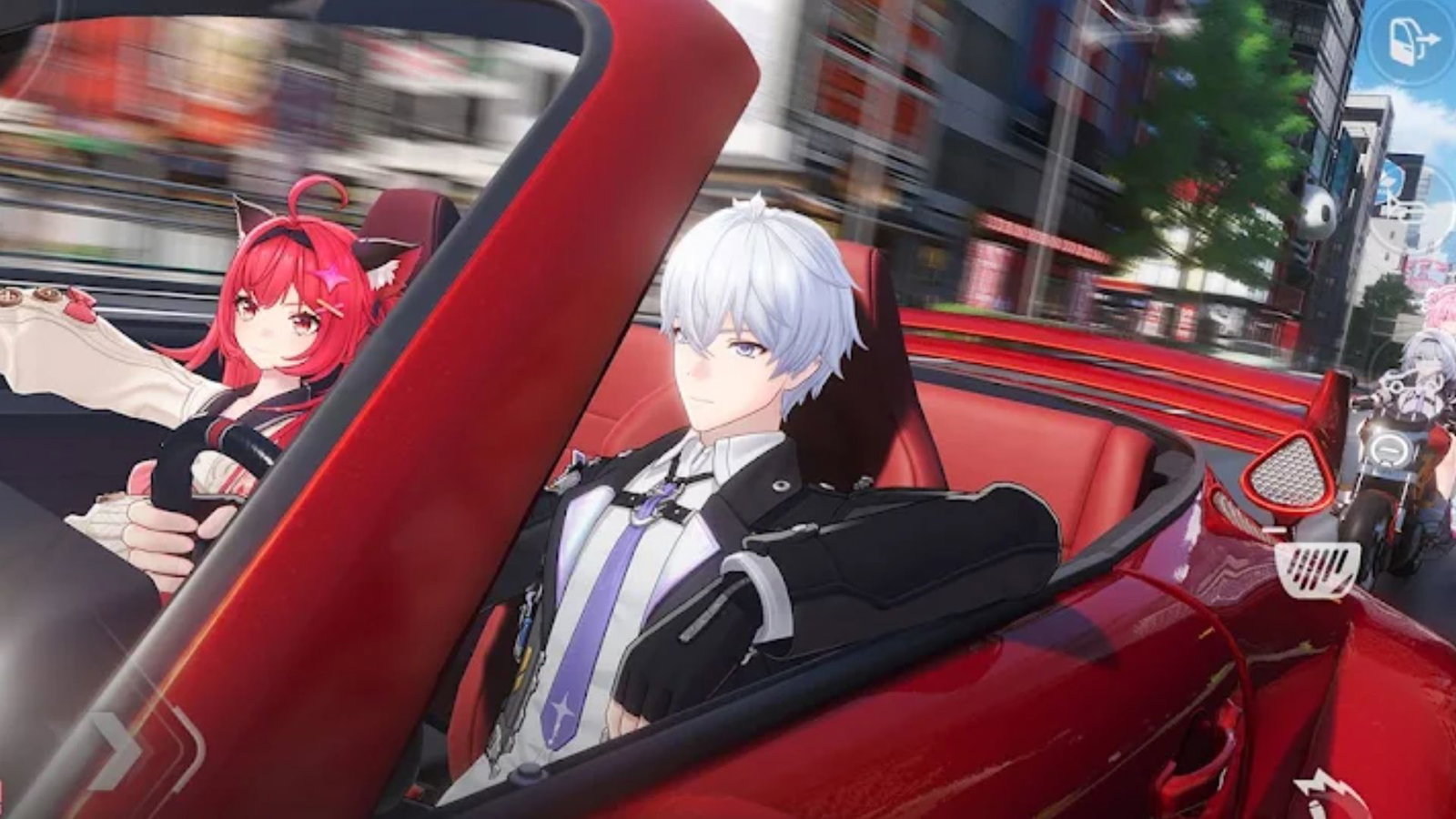
(Image Credits: Google Play/ Hotta Studio)
(Image Credits: Google Play/ Hotta Studio)
If you're stuck between choosing whether to play Neverness to Everness on your PC or your mobile, don’t worry, because we’ve got you covered.
Since its launch on April 29, this game has taken over the gaming community. Players have focused on exploring Hethereau and utilizing supernatural abilities.
Cross-platform support allows players to access the game on multiple devices.
But, playing on the phone isn't the same experience as booting it up on a PC. Major tweaks had to be implemented so that the game ran smoothly and did not drain the battery.
Here are the 10 differences between the mobile and PC versions based on direct gameplay comparisons on both platforms.
1. Empty vs Crowded Public Transport
If you hop on a bus or train on your PC, you’ll actually see other passengers sitting around, making the city feel alive. On mobile, these vehicles are usually empty. It’s a small detail, but it helps your phone focus purely on running the actual gameplay without lagging.
2. Less Flashy Particle Effects
Pulling off the supernatural abilities looks incredible on a computer with detailed smoke, sparks, and lighting effects. On mobile, these visuals are dialed down. For example, on mobile, the leaves don't fly when you slash your weapon or when a train passes by.
Visual effects are toned down during intense fights to prevent thermal throttling.
3. Noticeably Lighter Vehicle Traffic
Just like with the pedestrians, the roads in the PC version are packed with long lines of cars and different models. If you’re playing on your phone, traffic is much lighter. It makes high-speed driving sequences a bit easier since there are fewer cars to dodge.
4. Draw Distances and Random Pop-ins
On a computer, you can see buildings from far away with great detail. The mobile version uses an aggressive trick where background objects only load when you are close.
This means the trees, benches, buildings, and other details pop into view only when you are near the asset.
5. Frame Rates and Smoothness
PC players get to enjoy 4K visuals with unlimited frame rates, meaning everything feels very smooth.
Mobile devices use dynamic resolution which compresses the visuals during quick movements to prevent lag. The gameplay is usually locked at 30 or 60 fps to save battery.
6. Changes in non-vehicular NPC Density
PC experience while walking down the streets is like navigating a busy city packed with pedestrians that follow traffic rules.
The crowd practically disappears while playing on a mobile. A handful of people wander around, and might even jaywalk.
7. Lower Texture Resolution
While using a good monitor, the clothing fabric, skin pores, and footprints on the sand can be seen clearly.
Mobile textures have to be heavily compressed to save space and processing power, making distant buildings pixelated, and the sand footprints are next to none.
8. Downgraded Global Illumination
The PC version uses Unreal Engine’s Lumen system, meaning light naturally bounces off surfaces to color the environment.
On a mobile screen, lighting looks flatter with removed secondary bounces that save processing power.
9. Real-Time Ray Traced Reflections
One of the best things to experience on PC is ray-traced reflections. Wet roads and glass reflect neon city lights in real time.
Mobile devices, instead use screen-space reflections or static cube maps, resulting in disappearing off-screen reflections that also look less detailed.
10. Simplified Shadows and Lighting
Shadows are sharp, dynamic, and react realistically to streetlamps or car headlights while playing the game on a PC.
On mobile, those shadows are softened or rendered at a lower resolution. In some cases, dynamic shadows from smaller objects are removed entirely to save battery life.
This shows that while being able to play the game on both platforms is a benefit in itself, there is a huge difference in both experiences.
Read more at Gaming Community by Max Level!
Written by

Nisarga Aseem Barkule
Edited by

Pulkit Prabhav