
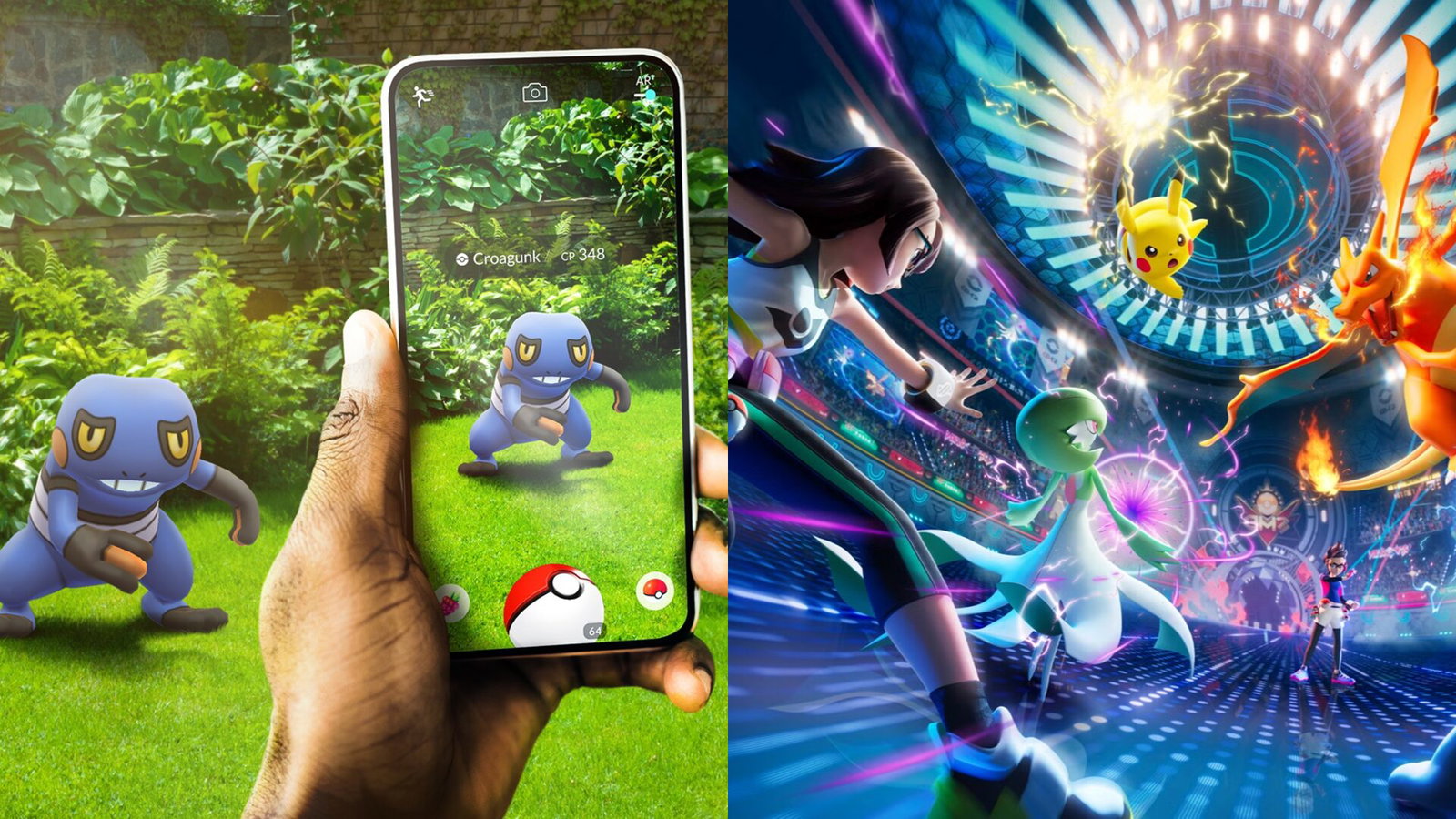
Pokémon - Image credit: Pokémon GO and Pokémon Champions
Pokémon - Image credit: Pokémon GO and Pokémon Champions
As Pokémon Champions is here, now you want all of your strongest Pokémons to be in that game. But the process isn't direct at all. If you want to use your catches from Pokémon GO inside Pokémon Champions, you’ll need to go through Pokémon HOME first.
Here's how you can move your Pokémons from Pokémon GO to Pokémon Champions.
Start here: Connect Pokémon GO to Pokémon HOME
The first step is to link your accounts. Open Pokémon GO and go to Settings. Scroll all the way to "Connected Devices" and "Pokémon HOME." Then log in with the same Nintendo account you will use across all the platforms.
Once linked, tap "Send Pokémon." Select the Pokémon you want and confirm the transfer. Keep in mind:
- Transfers are one-way only from GO to HOME
- Stronger or legendary Pokémon consume more Transporter Energy
- You can only send a limited number at a time
- Some Pokémon, like Shadow or costume variants, cannot be transferred
After confirming, your Pokémon will appear in Pokémon HOME.
Move Pokémon from HOME to Pokémon Champions
Now comes the second half of the process. Open Pokémon HOME on your device and select the "Pokémon Champions" option. This links your HOME account with your Champions account.
From here:
- Open your Pokémon boxes
- Select compatible Pokémon (no red restriction icon)
- Press "Send for a visit"
You can now import your Pokémons into Pokémon Champions.
Launch Pokémon Champions and go to the "Recruit" menu. Select "Collect from Pokémon HOME" to complete the transfer.
Once collected, the Pokémon becomes available for battles.
Important rules you must know before transferring
This is where most players make mistakes. First, not every Pokémon is supported. If a Pokémon doesn’t exist in Pokémon Champions, it cannot be transferred from HOME. In some cases, you may need to evolve it first before sending.
Second, once a Pokémon enters Champions, its stats are locked based on its current state. Even if you train it in another game later, those changes won’t fully carry over.
Third, movesets may not be usable. You might need to adjust moves using in-game training systems.
Also, while your Pokémon is "visiting" Champions:
- You cannot use it in other games
- You cannot release or modify it in HOME
These restrictions are applied until you send it back.
Can you send Pokémon back to HOME?
Yes, and this part is simple.
Inside Champions, go to Recruit and select “Send back to Pokémon HOME.” Choose the Pokémon and confirm.
The Pokémon will return to HOME, and you can reuse it in other compatible games, but not GO. This process is completely free and reversible.
However, note that:
- Training done in Champions may not carry over outside
- Some adjustments reset depending on form or conditions
Why Pokémon HOME is mandatory in this process
There is no direct transfer from GO to Champions.
Pokémon HOME acts as the central hub that connects multiple games. It allows you to store, manage, and move Pokémon between titles.
Without it, transferring between games is not possible.
Written by

Nilendu Brahma
Edited by

Yask Kotak