Imago
Picture Courtesy - Amazon Game Studios
Amazon has added another reason to a long list of why everyone should renew their Prime subscription by announcing that users can now play games through Prime Video.
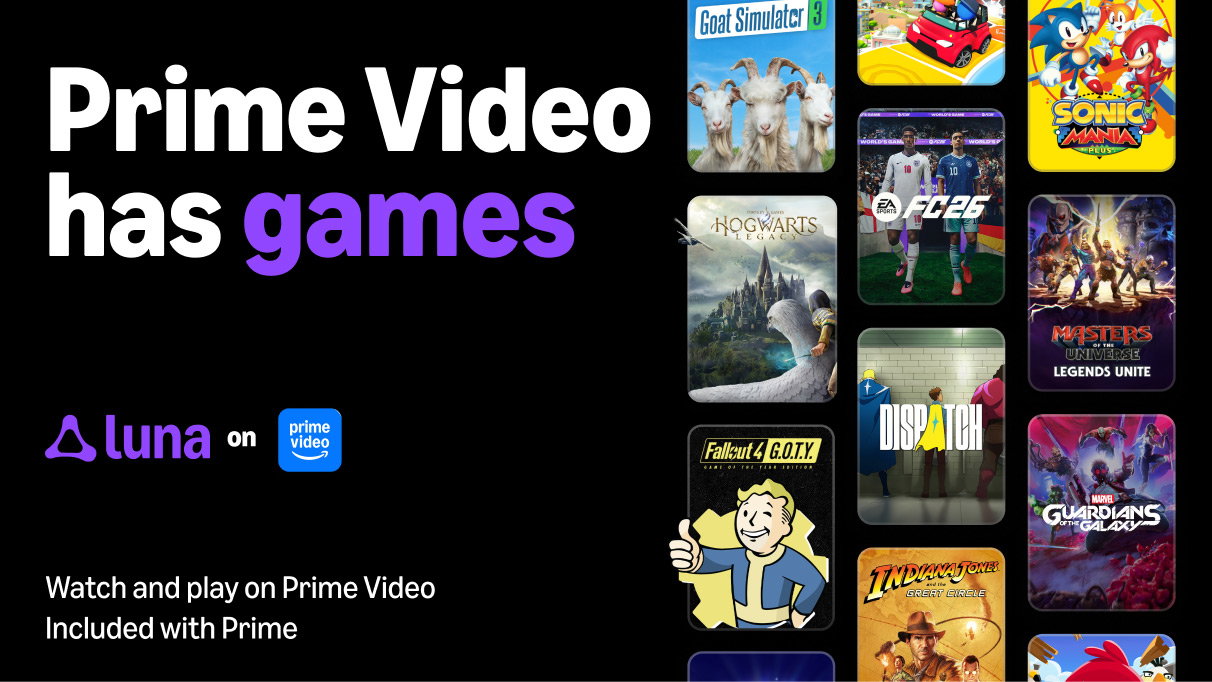
As part of the announcement, Amazon revealed that it is integrating the Luna cloud gaming network into its streaming platform, allowing users to play their favorite games.
With this feature, users in the United States and the United Kingdom can now access the entire gaming catalog available through their Prime subscription on their Fire TVs.
Jeff Gattis, GM of Gaming at Amazon, highlighted, "For a lot of people, games have been harder to find than they should be."
He added, "Bringing Luna inside Prime Video allows Prime members to discover games more naturally, and if they see one they like, they click it, and they’re in. That’s less time searching and more time playing great games included with their Prime membership."
This new feature will add another layer and more immersion to the entire Prime Video experience, especially in cases of overlapping franchises.
The Amazon Prime catalog already has games such as Hogwarts Legacy, EA Sports FC, Taboo, Clue, and more.
These games range from great solo experiences to the ability to convert party nights into a small gaming zone.
For example, users can watch the Harry Potter movie series and then delve straight into the Hogwarts Legacy game to experience the world directly.
Imagine watching a soccer match and then turning on EA Sports FC 26 to relive the experience through the game.
To add to it, this has the potential to enhance the overall experience when it comes to gatherings.
Users will now be able to not only enjoy their favorite media with their favorite people, but also play party games on their Fire TVs as well. And it's easy to set up as well.
How to Play Video Games on Amazon Prime
Imago
Picture Courtesy - Amazon Game Studios
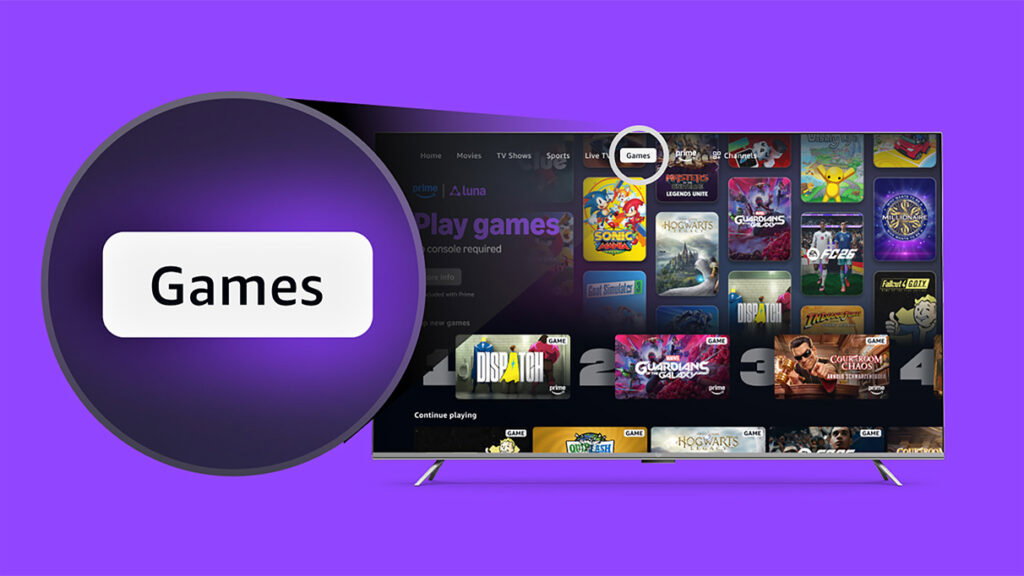
There are a few easy steps to enable you to play video games on Amazon Prime Video.
1. Log in to your Prime Membership Account on your Fire TV.
2. Find the Games Tab.
3. Choose the Game and Click on Play.
All Prime members in the United States and the United Kingdom need is a Fire TV, and they can use the Amazon Luna cloud gaming system to play their favorite games from the catalog.
Read more at Gaming Community by Max Level!
Written by

Abhisek Bajaj