
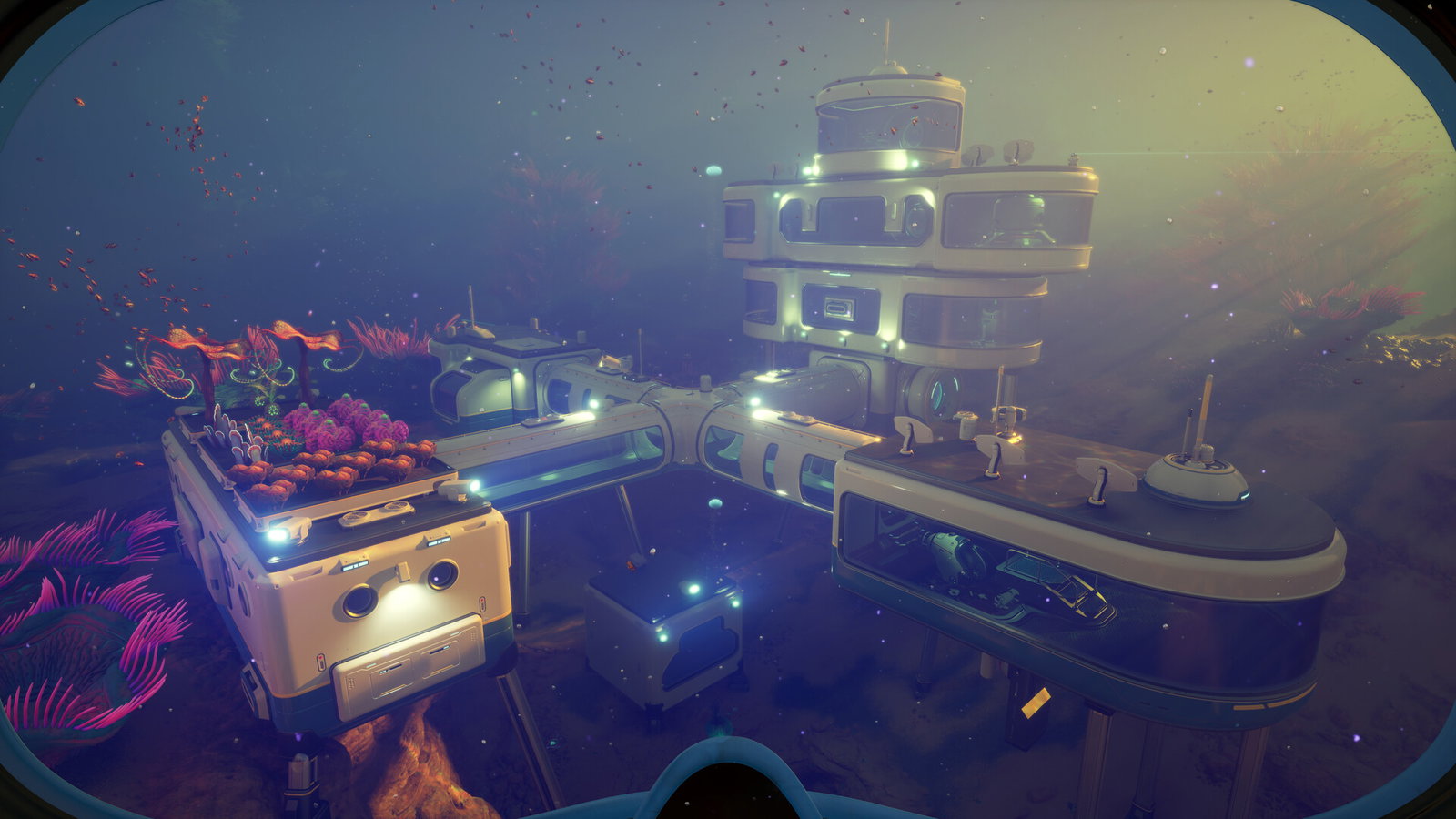
Subnautica 2 - Image Credits: Steam/Worlds Entertainment
Subnautica 2 - Image Credits: Steam/Worlds Entertainment
While Subnautica 2 continues the success of the Subnautica series, developers Unknown Worlds Entertainment's decision to add a four-player multiplayer mode to the sequel has caught the users' attention.
The multiplayer mode has certain key ingredients enhancing the experience. First of all, there is no player tethering, meaning you and your friends can traverse the Subnautica 2 biome without being dragged back to the host if you go too far.
The base building is also pretty collaborative. Players can decide to build one large single base together or build separate bases. All structures connected to a single base grid share its total power supply, adding another element of co-op beauty to this multiplayer mode.
To add to it, any scans and nodes tracked automatically load on everyone in the lobby, making the process easier.
This non-violent survival crafting experience adds a whole different layer of entertainment while playing with your fellow gamer friends. And we will guide you through exactly what to do to create a multiplayer world to play with your friends.
Hosting a Multiplayer Game
The first thing your friend group needs to do is host a multiplayer world. To do that, you must go to the 'Host Multiplayer' option and choose 'Host New Multiplayer Game'.
The game will then ask you to choose a game mode - Survival or Creative. Choose Survival to go through the entire Subnautica 2 survival experience with your friend group. That will take you from starting from your Lifepod and then gathering resources to aid your survival against the Subnautica 2 biome, while managing your oxygen and hunger levels.
If you just want a chill session, go for Creative, where the game will give you access to unlimited resources, and just have fun.
Hit 'Host Game' and wait for the world to load. Proceed to select your Pioneer Character to spawn into the Lifepod and start your journey.
Joining a Multiplayer Game
Once someone has hosted a game, the host can invite friends from their Steam list or share a code for them to enter to join the hosted server.
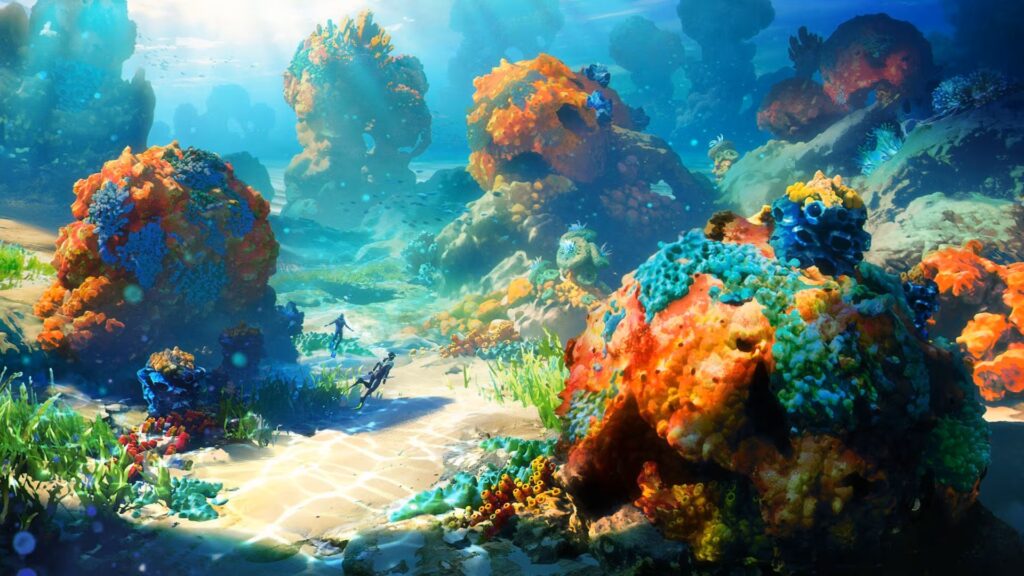
Subnautica 2 - Image Credits: - Worlds Entertainment
Subnautica 2 - Image Credits: - Worlds Entertainment
If you want to join a game hosted by friends, go to the main menu and click on 'Join Friends' to see the active games created by your friends. The host can also send an invite to their friends by clicking 'Invite to Game' and selecting a friend's name from their Steam list.
Since Subnautica 2 allows crossplay, players across different platforms can join via a generated code. The host will have to click on 'Generate Code' to receive an eight-digit code. Share it with your friends on other platforms, who will have to enter it in the 'Add Friends' section to send a request.
Converting a single-player game to Multiplayer on Subnautica 2
If you have already started a solo journey and want to bring your friends along, Subnautica 2 allows porting of game modes as well. Select your solo save file and click on 'Convert to Multiplayer'.
Once confirmed, start the Host Multiplayer process with this new converted file to add your friends to your already started single-player journey.
If some friends cannot join your multiplayer world, verify and ensure they have the same version as the host. Subnautica 2 regularly brings hotfixes and patches, and sometimes, game versions can mismatch within your friend group.
Read more at Gaming Community by Max Level!
Written by

Abhisek Bajaj
Edited by

Yask Kotak