
How to Make an Armor Stand in Minecraft
via Imago
(Image: X via GameSpot)
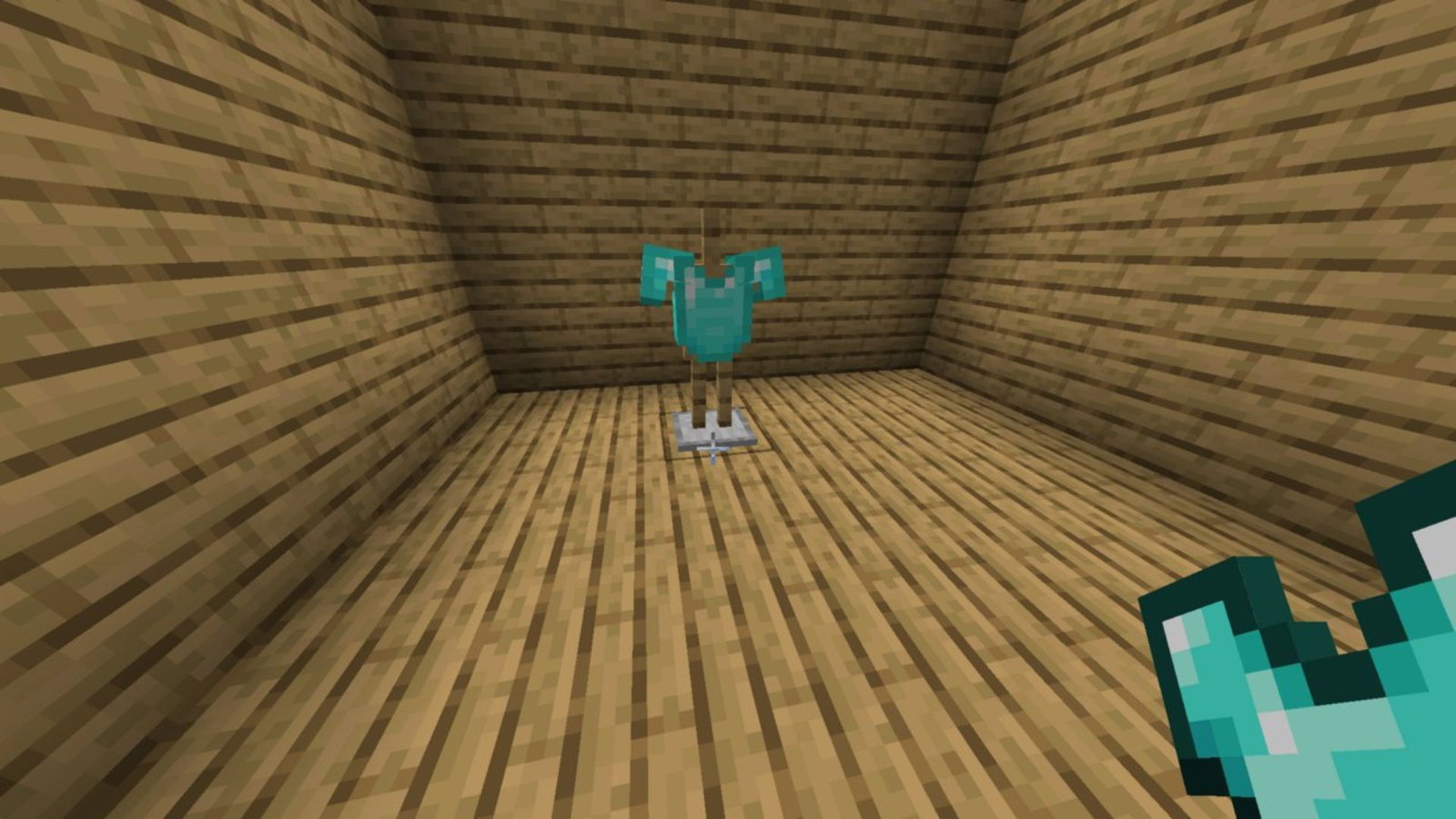
Minecraft could lead you through a grind, with gear upgrades finally leading you to a shiny diamond armor. Building an armor stand also lets you display the armor at your base while easily allowing you to wear it.
An armor stand requires only two basic ingredients: 6 wooden sticks and a smooth stone slab. Getting sticks is a breeze. Just chop down any tree around you or break bushes if you are in the desert biome.
Once you have some wood logs, turn them into planks in the inventory. Stack two planks vertically, and the sticks are ready.
Crafting a smooth stone slab requires an additional smelting step. First, grab three cobblestone blocks and a furnace. Place the cobblestone blocks into the furnace to smelt them into regular stone using any form of fuel. Use the same process to create smooth stone.
Use the crafting table to create smooth stone slabs by placing three smooth stones in a row. Each craft will give you six slabs.
Alternatively, you can use a stonecutter to convert one smooth stone into exactly two smooth slabs. A stonecutter can easily be found in a nearby village as a mason villager workstation.
Now, to finally create the armor stand, open the crafting table. Place one stick in each of the top three slots. Place another stick in the center slot of the second row. Place the smooth stone slab in the center slot of the third row. Finally, place a stick in the slots next to the slab.
| Stick | Stick | Stick |
| Stick | ||
| Stick | Smooth Stone Slab | Stick |
Armor Stands: More Than Just a Decoration
Armor stands also let you show off mob heads, carved pumpkins, or even elytra in addition to the regular gear.
Armor Trim Smithing Templates can be used on the gear to create a whole army of customized dummy soldiers. This allows for deeper creative customization of your base.
These stands also generate naturally in the outdoor armories of taiga villages, with iron gear. However, this feature is exclusive to the Java version.
Regular armor stands do not spawn with arms in the Java Edition, so they cannot hold swords or shields. A quick summon command in the console gives a stand that has arms ready for holding weapons and tools.
Bedrock Edition lets you change the poses of the armor stand. It requires you to crouch (sneak) and then interact with the stand and choose from 13 different poses. For Java Edition, this can only be done by using commands.
While armor stands act as a decorative piece in your base, they also act as a quick way to equip your armor when in a rush. Simply interact with the gear to wear it instantly.
Read more at Gaming Community by Max Level!
Written by

Nisarga Aseem Barkule
Edited by

Pulkit Prabhav