
Image via: @DevNamedDavid
Image via: @DevNamedDavid
Grow a Garden 2 is a Roblox game where the right tools can make expanding and managing your garden much easier. From watering crops and relocating plants to defending against thieves, each piece of gear serves a different purpose.
Here's a list of tools and how you can use them in Grow a Garden 2. However, according to IGN, some items may occasionally bug and fail to appear in your inventory.
Watering Can
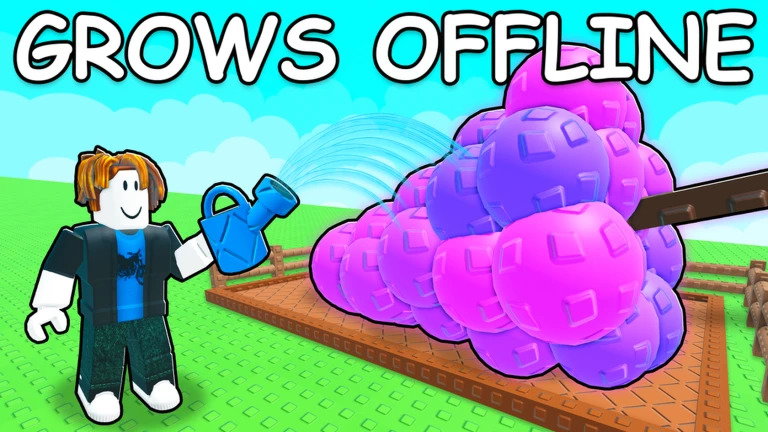
A Watering Can helps you manually water your crops. Using it on your plants makes them grow faster, so you can sell them to reap a profit more quickly.
The can is super common. To use it, simply pull it from your inventory and hover over your desired area. You'll see a selection area to water where you can let it pour.
Via: Roblox / Strawberreh Squad
Via: Roblox / Strawberreh Squad
Sprinkler
A Sprinkler does the same job as the Watering Can, only better. To use it, take it from your inventory and place it near your crops. It will water them automatically, but only for a limited time.
Therefore, go for higher Sprinkler tiers such as the Rare, Legendary, or Super Sprinkler if you find them. These will water your crops for a longer duration.
Trowel
A Trowel is a useful item, but you'll likely need multiple because of its one-time use. To use it, hold it out and bring it near a plant of your choice.
The Trowel lets you move any plant you want to a different location. This saves you the trouble of completely removing it, allowing smooth relocation if you change your mind about your garden's appearance.
Lantern
A Lantern can be purchased for 12,000 Sheckles from the Gear Shop in Grow a Garden 2. It's a one-time purchase, and you can have your character simply hold it.
This will provide light around your character at night when it can be difficult to see, making it easier to navigate your garden and keep track of crops.
Sign
A Sign can also be purchased from the Gear Shop for 4,000 Sheckles. It doesn't have much of a function apart from displaying whatever you write on it for other players, making it useful for leaving messages or labeling your garden for visitors.
After buying it, it'll appear in front of your garden. You can write whatever you want on it.
Mushroom
A Mushroom helps you boost your character's stats for a certain duration. By consuming one, you can gain higher speed or jump higher, which can be effective against other players.
There are five different types of mushrooms: Jump, Shrink, Speed, Supersize, and Invisibility. These can be valuable perks to have while stealing from other players.
Flashbang
A Flashbang is perfect for defending your garden or while running away from a player. You can throw it at your foe to stun them for a short period.
If they're stealing from you, stunning them can make them drop your produce or anything else they may be carrying away in Grow a Garden 2.
Wheelbarrow
The Wheelbarrow is a Legendary-tier item. If you're playing with a friend, they can jump into the wheelbarrow, and you can carry them around in it.
This can help players move around together more quickly, especially when exploring or carrying out activities as a team.
Via: Roblox / Strawberreh Squad
Via: Roblox / Strawberreh Squad
Basic Pot
The name is self-explanatory. You can use the Basic Pot to grow certain crops. This item is also available in the Gear Shop and can be purchased for a low price, providing additional growing space and helping you organize your garden layout.
Gnome
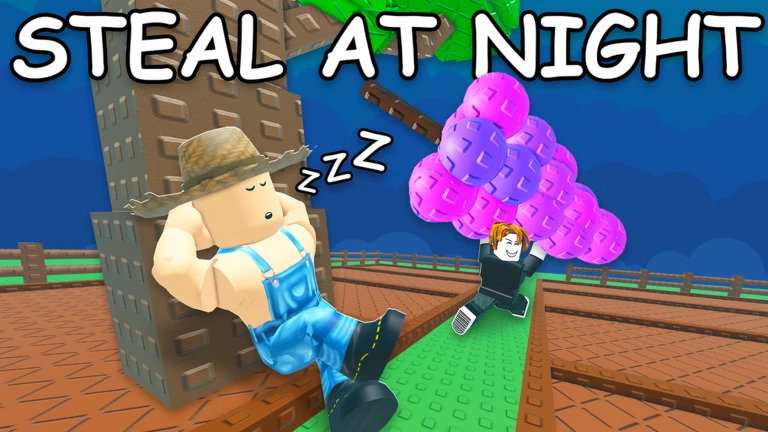
You can purchase a Gnome from the Gear Shop in Grow a Garden 2. It'll protect your garden from thieves at night. To use it, place your Gnome close to your most valuable plants.
With the Gnome in place, no one will be able to steal your plants at night.
Teleporter
Finally, the Teleporter is the perfect item for convenience. It can help you go from one location to another over a short distance. It's basically a way to save time.
This can save time when traveling around the map and help you reach locations more quickly.
Read more at Gaming Community by Max Level!
Written by

Prit Chauhan
Edited by

Pulkit Prabhav